Reservety

How can we help?

Video tutorials and step-by-step guides to get the most out of Reservety.

Getting Started
2 guides
Products & Inventory
3 guides
Orders & Payments
4 guides
Calendar & Scheduling
1 guide
Getting Started

Set up your rental business

Follow these guides in order to go from zero to accepting online bookings. Each tutorial includes a video walkthrough and a written step-by-step guide.
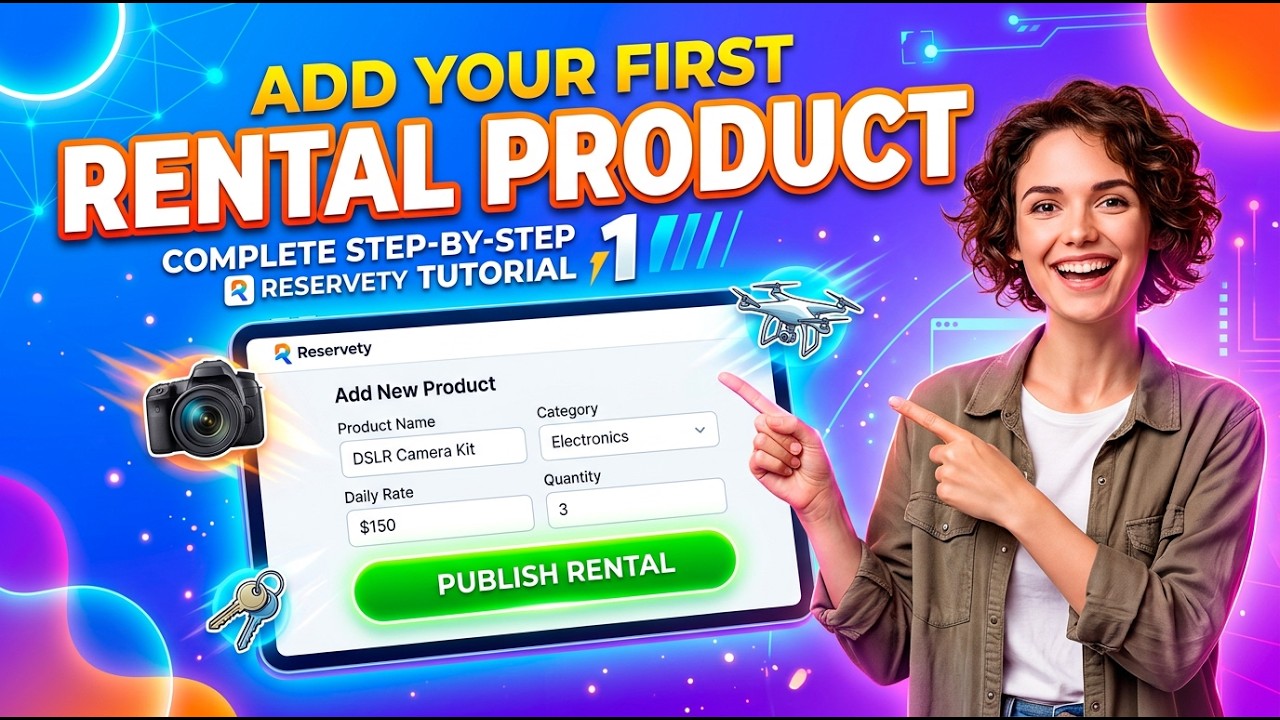
Add Sellable Products
2
Video Guide

Add Sellable Products

Add products for sale alongside your rentals. Set up details, images, pricing, and inventory.

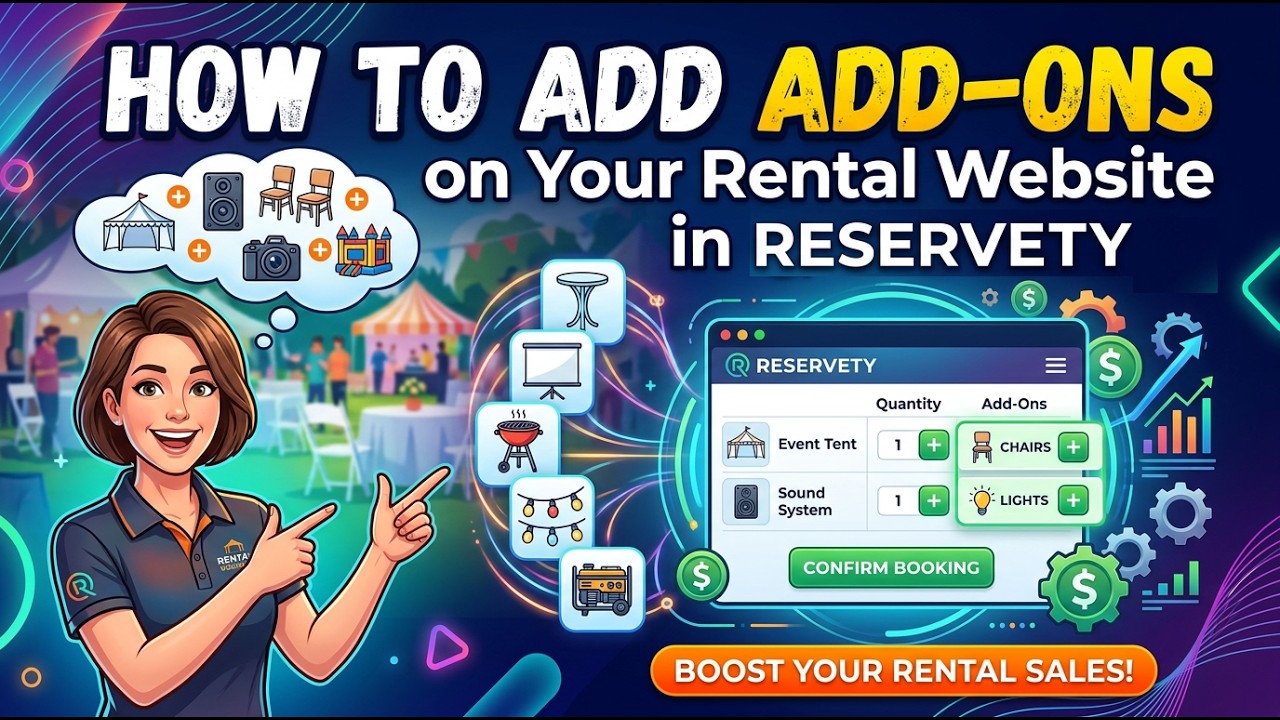
Add Product Add-ons
3
Video Guide

Add Product Add-ons

Create add-on options like portable stoves or tie-down kits. Configure pricing, images, and assign to products.

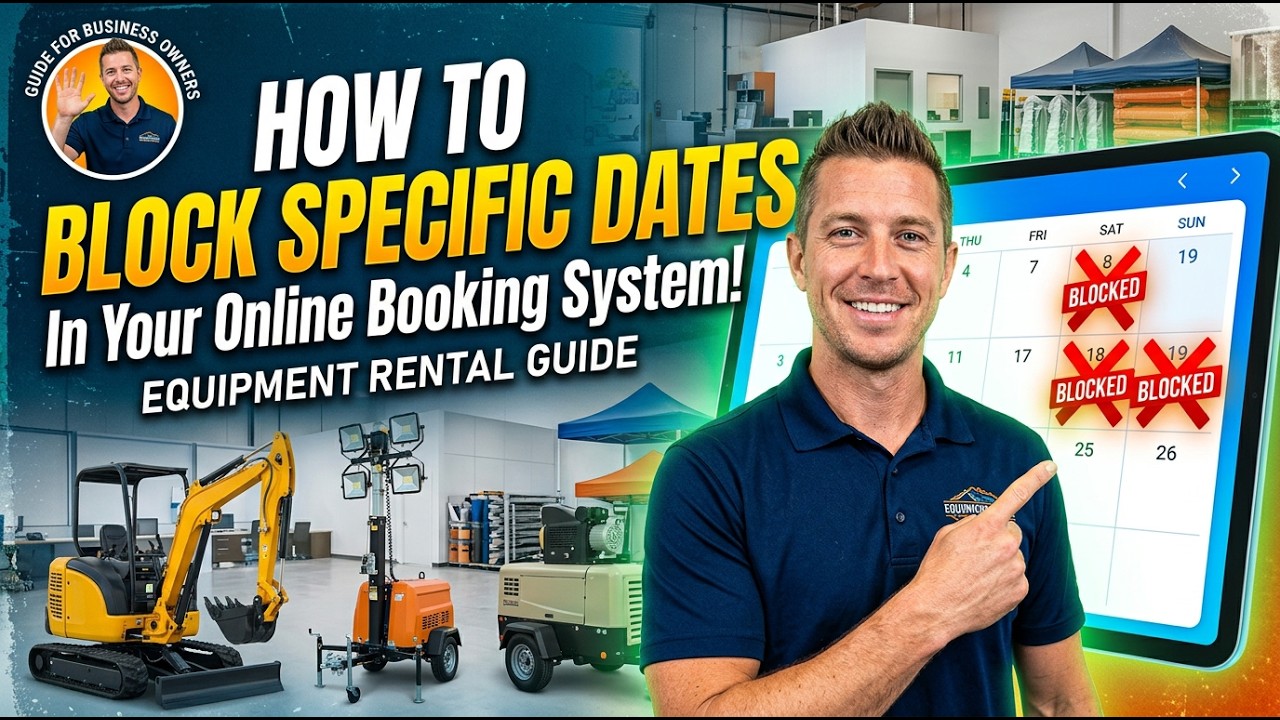
Block Specific Dates
4
Video Guide

Block or Remove Specific Dates

Block out dates for maintenance, holidays, or personal use so customers can't book during those periods.

Manage Stock Quantity
5
Video Guide

Manage Stock Quantity

Schedule stock removals for maintenance, restock after repairs, and add future procurement dates.

Create Manual Orders
6
Video Guide

Create Manual Orders

Handle phone and walk-in bookings by creating manual orders directly from your dashboard.

Prepare an Order
7
Video Guide

Prepare an Order

Process payments, add fees, edit orders, handle returns, and capture security deposits.

Activate Request for Quote
8
Video Guide

Activate Request for Quote

Enable the request-for-quote feature on specific products so customers can ask for pricing.

Add Discounts to Orders
9
Video Guide

Add Discounts to Orders

Apply percentage or fixed discounts to existing orders directly from your dashboard.

Create Coupons & Discounts
10
Video Guide

Create Coupons & Discounts

Set up coupon codes with percentage or fixed discounts, expiry dates, and usage limits.

Google Calendar Integration
11
Video Guide

Google Calendar Integration

Sync your bookings with Google Calendar so you always know your schedule at a glance.

Create Variable Products
12
Video Guide

Create Variable Products

Set up products with attributes like sizes. Generate variations with individual pricing, images, and stock management.

Block Dates with ICS Calendar
13
Video Guide

Block Dates with ICS Google Calendar

Create a public Google Calendar with recurring blocked dates and sync it with your rental products via ICS.

Edit Order Items
14
Video Guide

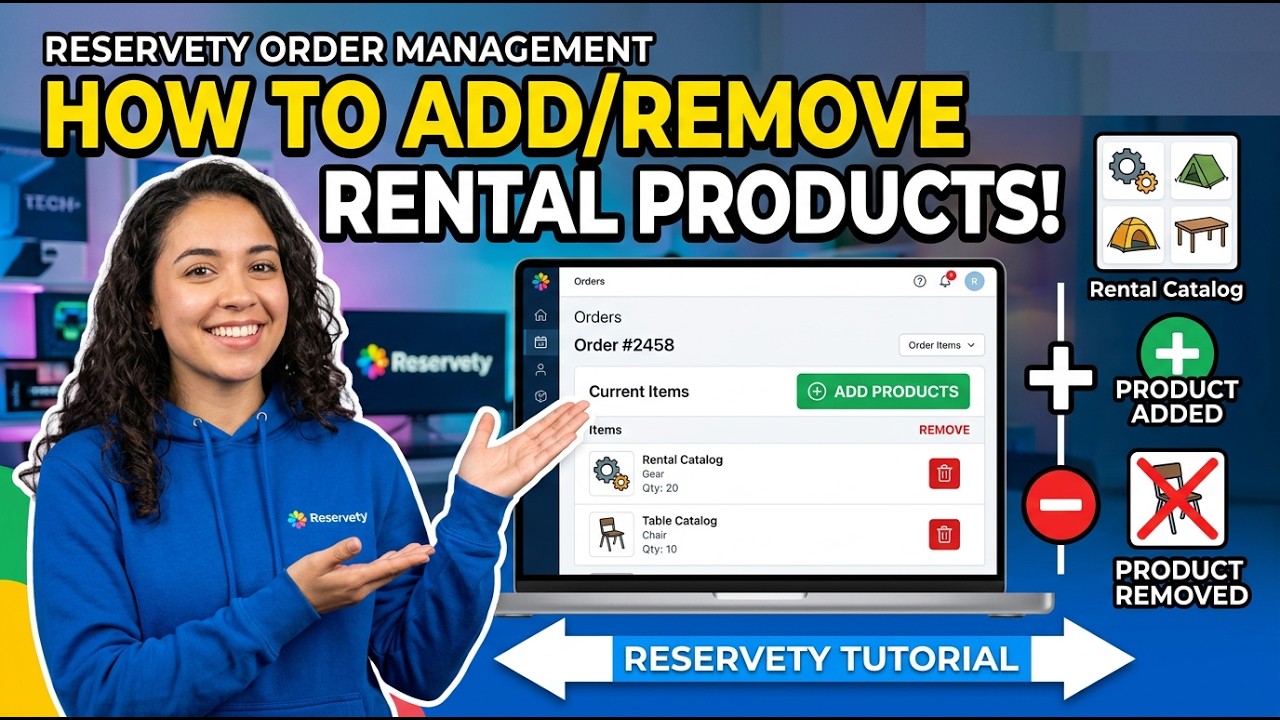
Add or Remove Products from Orders

Edit existing orders by adding new products, removing items, processing additional payments, and handling refunds.

Extend Rental Period
15
Video Guide

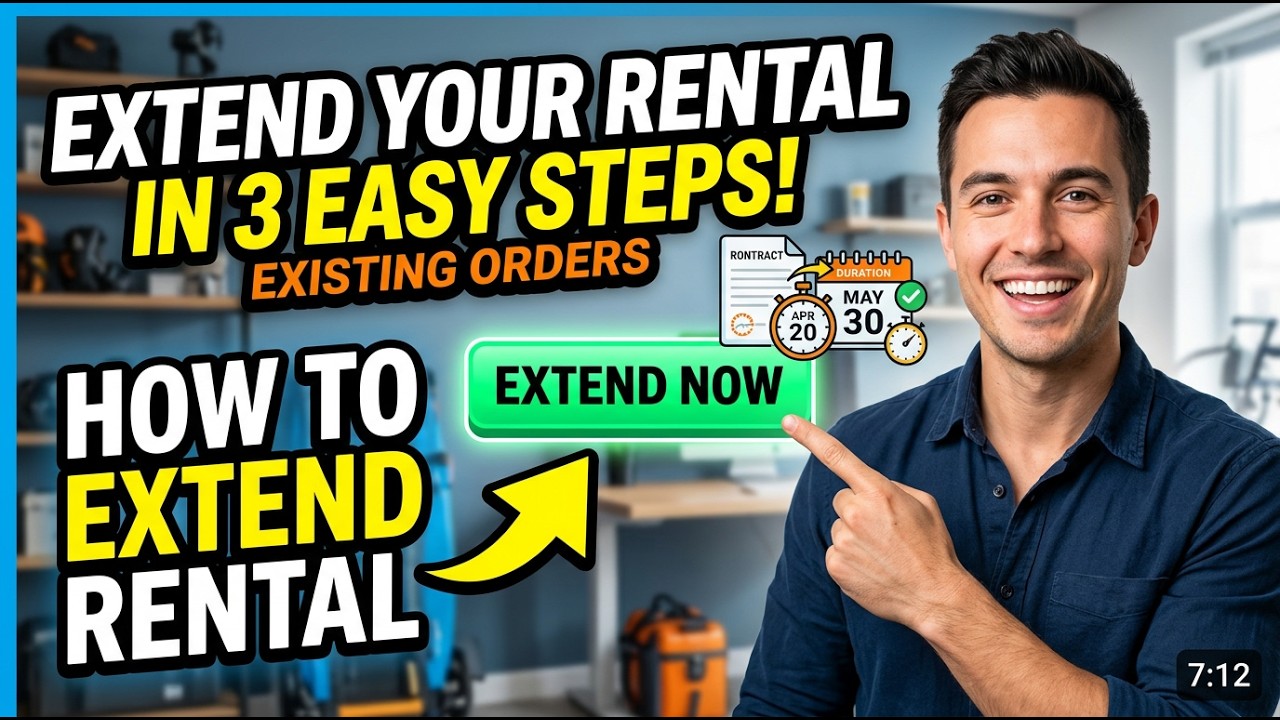
Extend Rental Periods

Extend the rental period for existing orders. Change booking end dates and process the additional payment.

Sales Reports
16
Video Guide

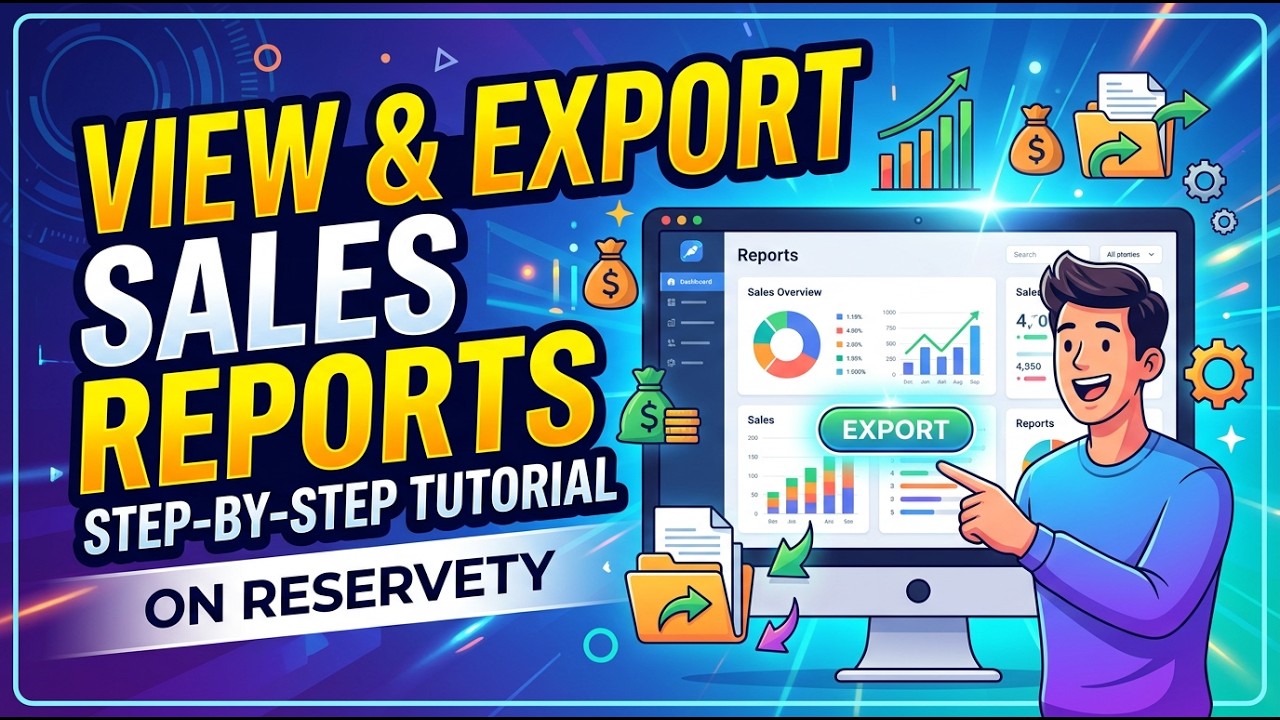
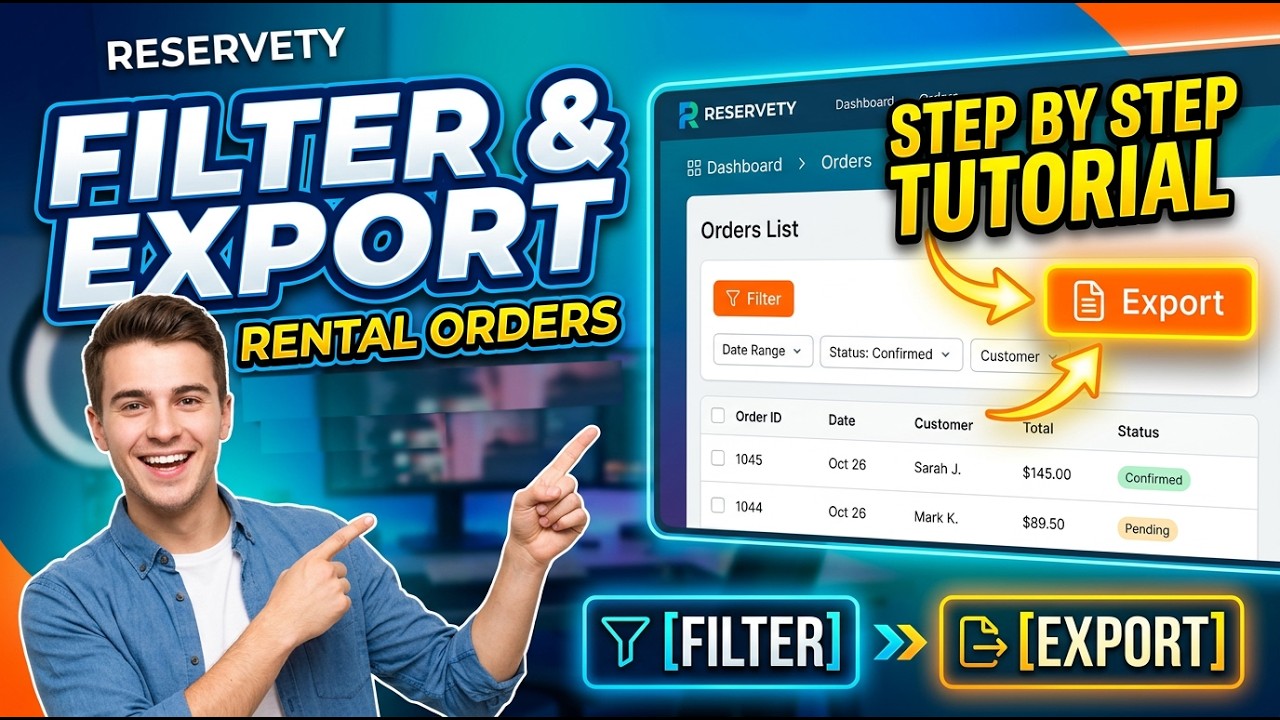
View and Export Sales Reports

Generate sales reports filtered by date range and order status. Export order data to CSV for accounting.

Tax Reports
17
Video Guide

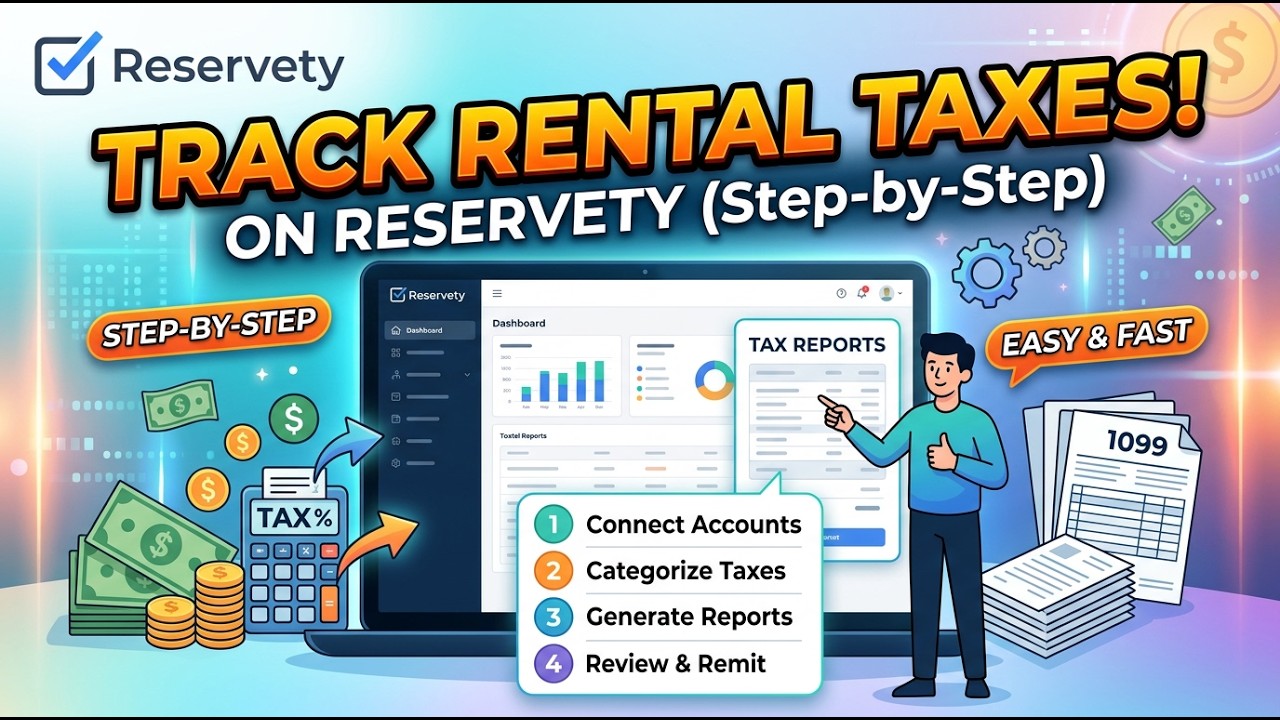
View and Export Tax Reports

Filter tax data by country, date range, and order status. Export reports as CSV or Excel for your records.

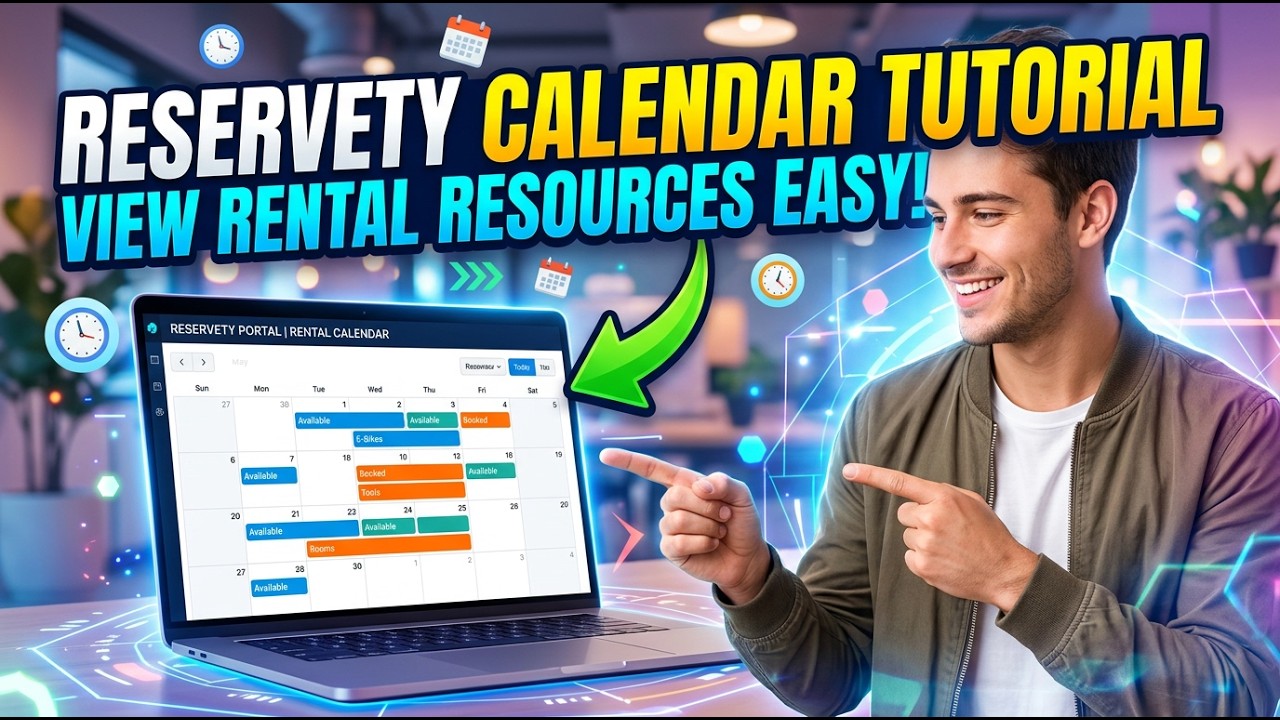
View Resources Calendar
18
Video Guide

View Resources Calendar

See bookings, availability, and schedules in full, monthly, and weekly calendar views.

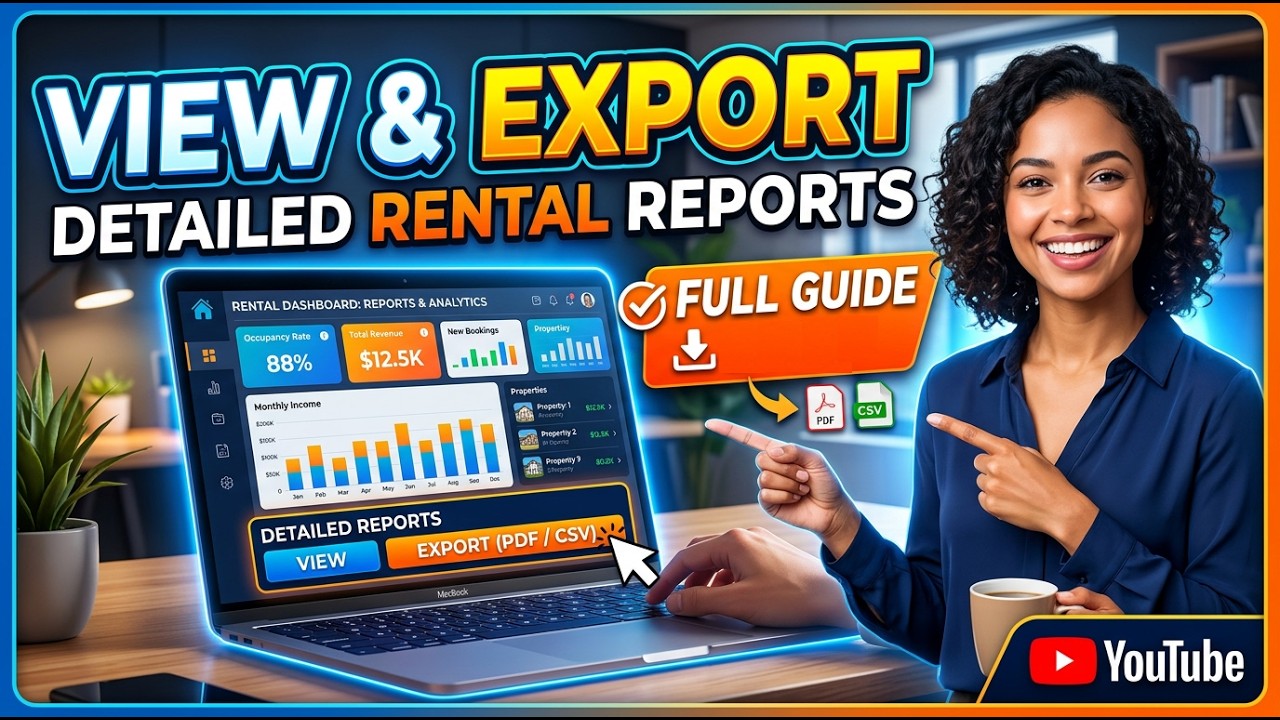
View and Export Detailed Reports
19
Video Guide

View and Export Detailed Reports

Access product summaries, order reports, sales, refunds, customer performance, and stock levels. Export to CSV or Excel.

Need more help?

Can't find what you're looking for? We're here to help.

💬

Chat with us

Our team typically responds within a few minutes during business hours.

Contact Support
📖

Blog & Guides

Tips, strategies, and best practices to grow your rental business.

Read articles
📚

Glossary

55 rental business terms explained — from damage waivers to utilization rates.

Browse terms
🛎️

Don't see what you need?

Remember, your plan includes Concierge Support. You don't need to learn technical settings. Just message us, and Ashish will configure it for you.

Chat with Support