Sign up with Authorize.net, then paste its keys into Reservety so customers pay by card at checkout and through pay links. Not sure Authorize.net is the one for you? Choosing a payment provider compares it with the others. Shown on Front Range Iron Rentals, an equipment rental yard near Denver.
Don't see this in your menu? Ask us and we'll switch it on.
1. Sign up with Authorize.net
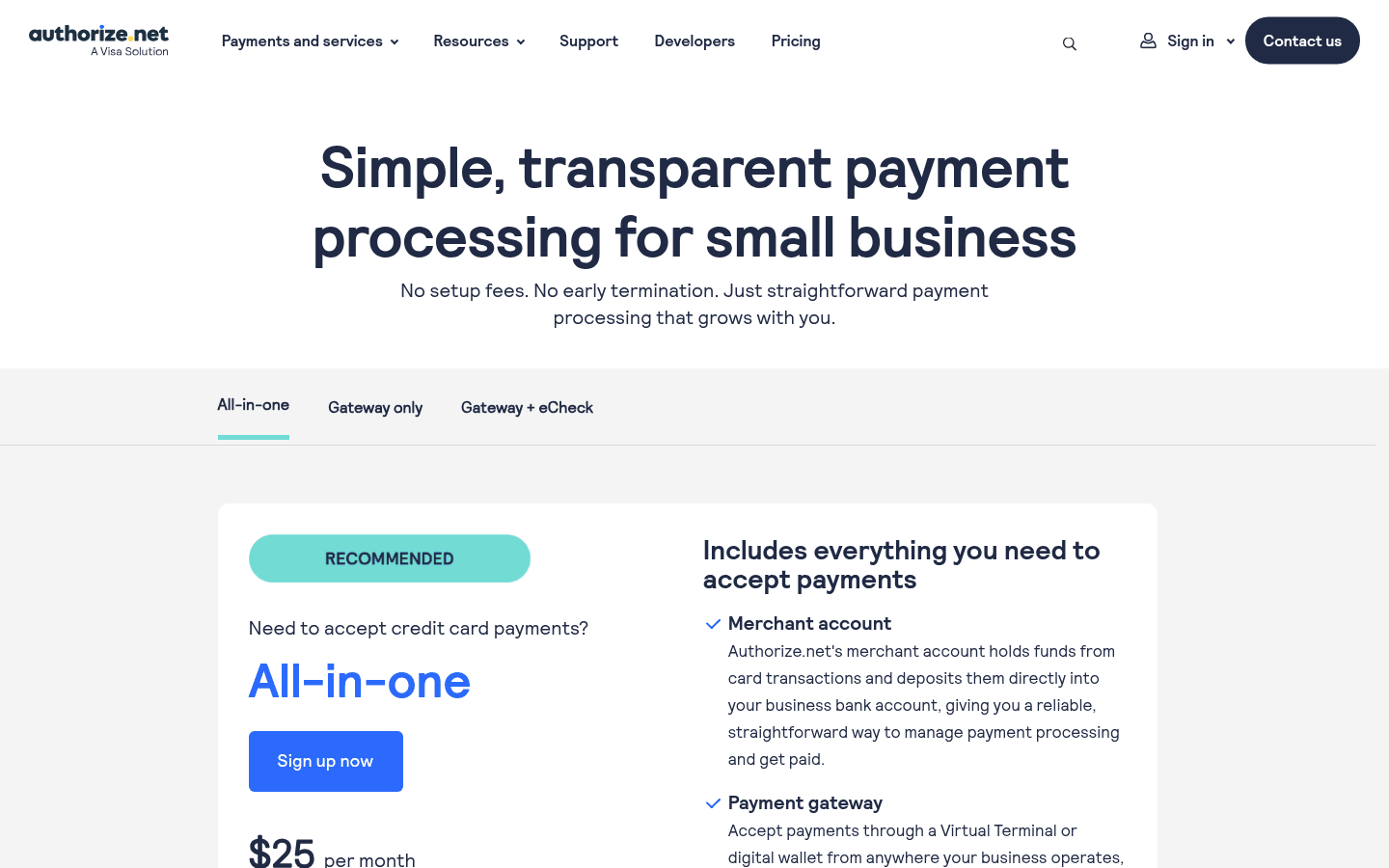
On Authorize.net's pricing page, choose All-in-one (a merchant account and the payment gateway together) or Gateway only (when your bank or a payment company already gave you a merchant account), then click Sign up now and fill in the application. Checked on 2026-10-25 against Authorize.net's pricing page.
2. Get your keys
Once your account is approved, sign in to Authorize.net and open Account, then Settings, Security Settings and API Credentials & Keys. Copy your API Login ID, then create a new Transaction Key and a new Signature Key (Authorize.net checks it's you with a one-time code first). Copy each one straight away: Authorize.net doesn't show it again. Never send these keys by email. Checked on 2026-10-25 against Authorize.net's help.
3. Paste them into Reservety
Where: Settings → Store
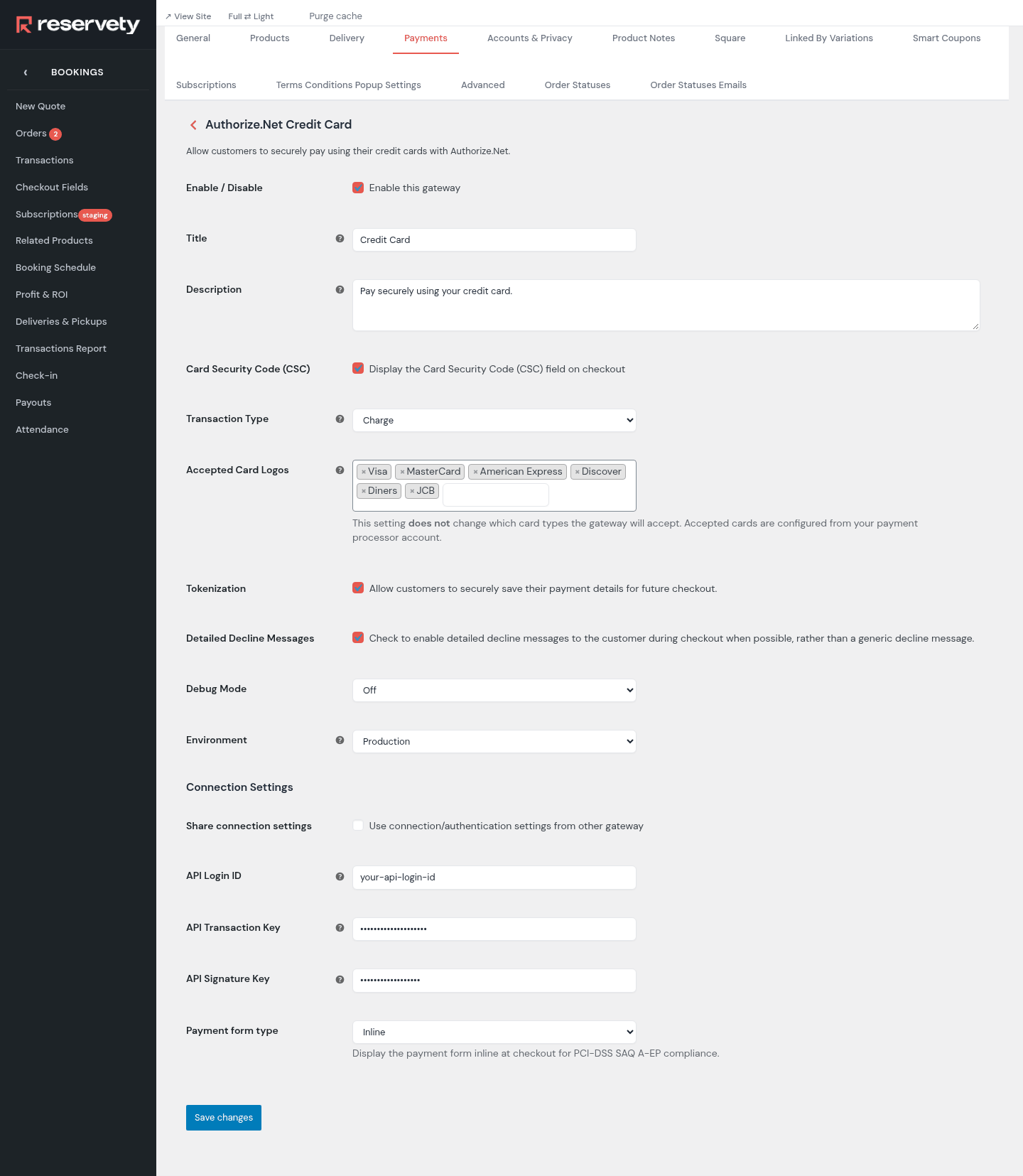
Open the Payments tab and click Manage on the Authorize.Net Credit Card row. Tick Enable this gateway, set Environment to Production, and paste your keys into API Login ID, API Transaction Key and API Signature Key. Leave Transaction Type on Charge, and tick Tokenization so customers can save their card and you can charge it later from the order. Click Save changes.
Set it up on your own Reservety site
Reservety handles your website, bookings, inventory, and payments — so you can focus on growing your business.