
Surfing gear rentals are becoming popular as many people love the thrill of riding the waves.
Surfing gear rentals are becoming popular as many people love the thrill of riding the waves.
If you have a website for surfing gear rentals, ensure it has the following 15 features to improve the customer experience, make the management super convenient, and grow your overall business.
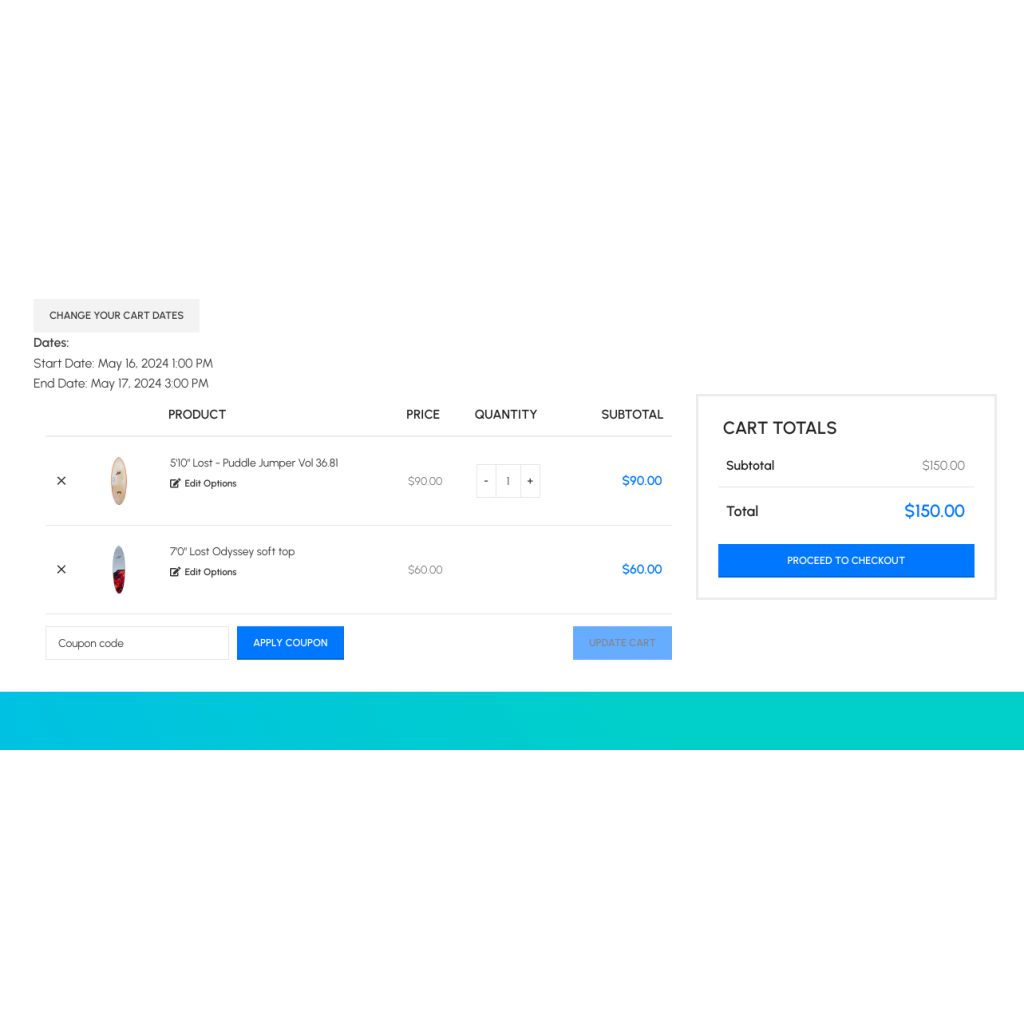
Let your customers select surfboards, bundle them with other accessories, pick the rental duration, and book them online independently.
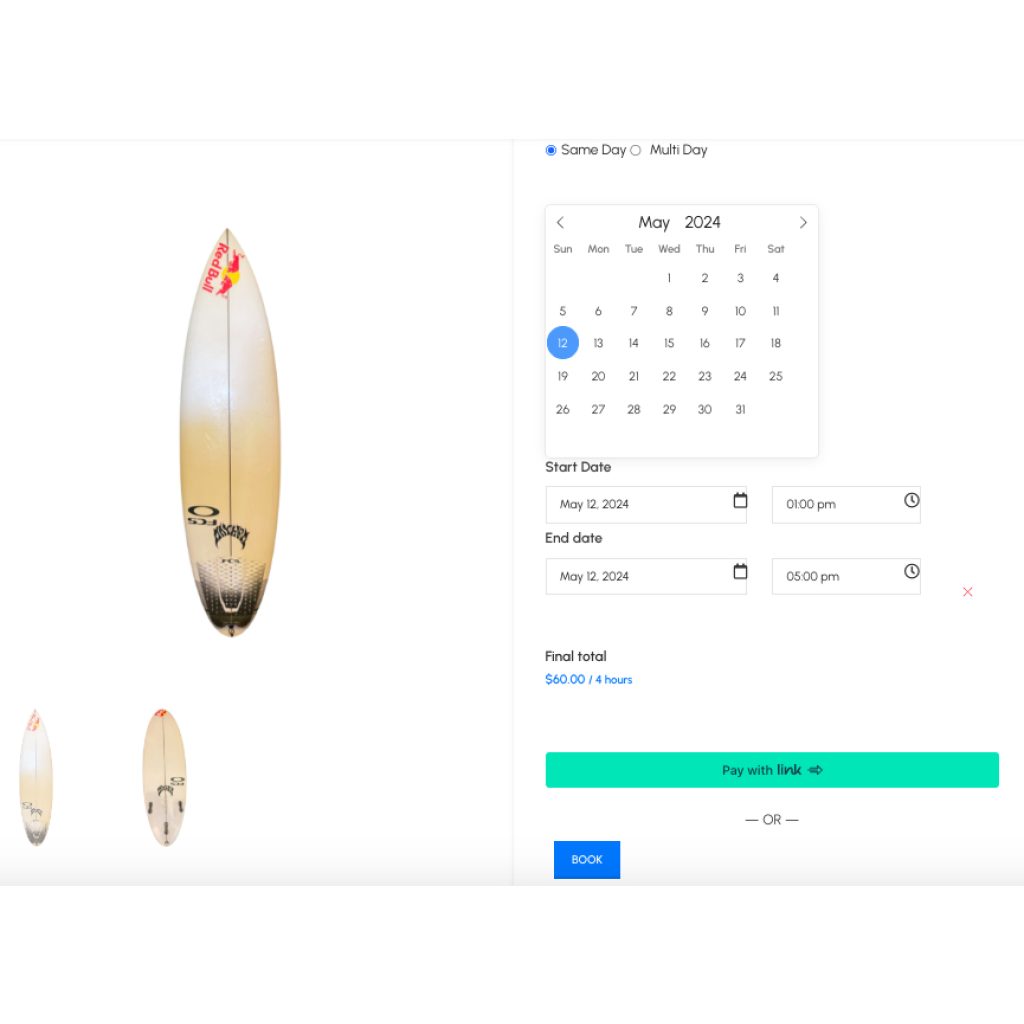
The pricing is one of the first things surfers may want to know. People act based on their budget. By getting automated quotes based on their selected gear type and rental duration, customers can determine whether they can afford it.
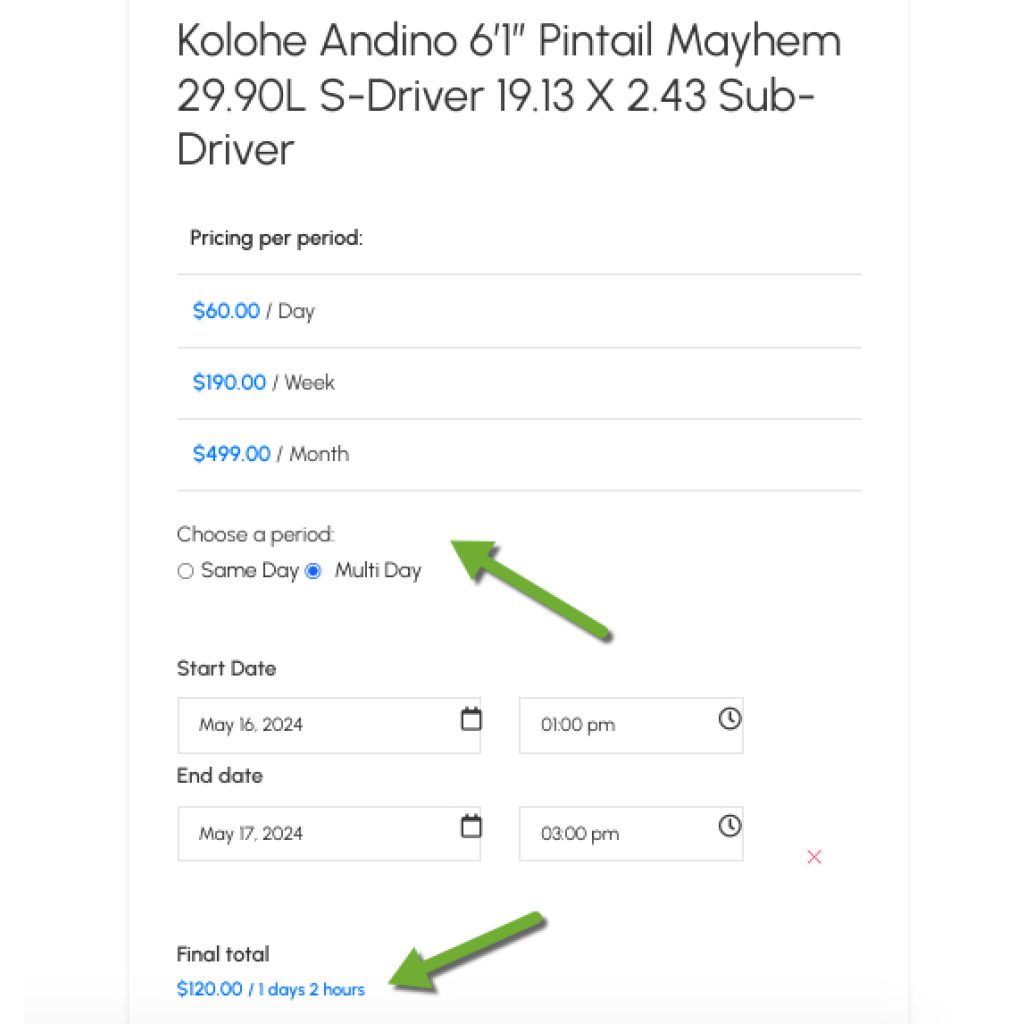
A great surfing experience requires more than a regular surfboard. Customers may want some related accessories.
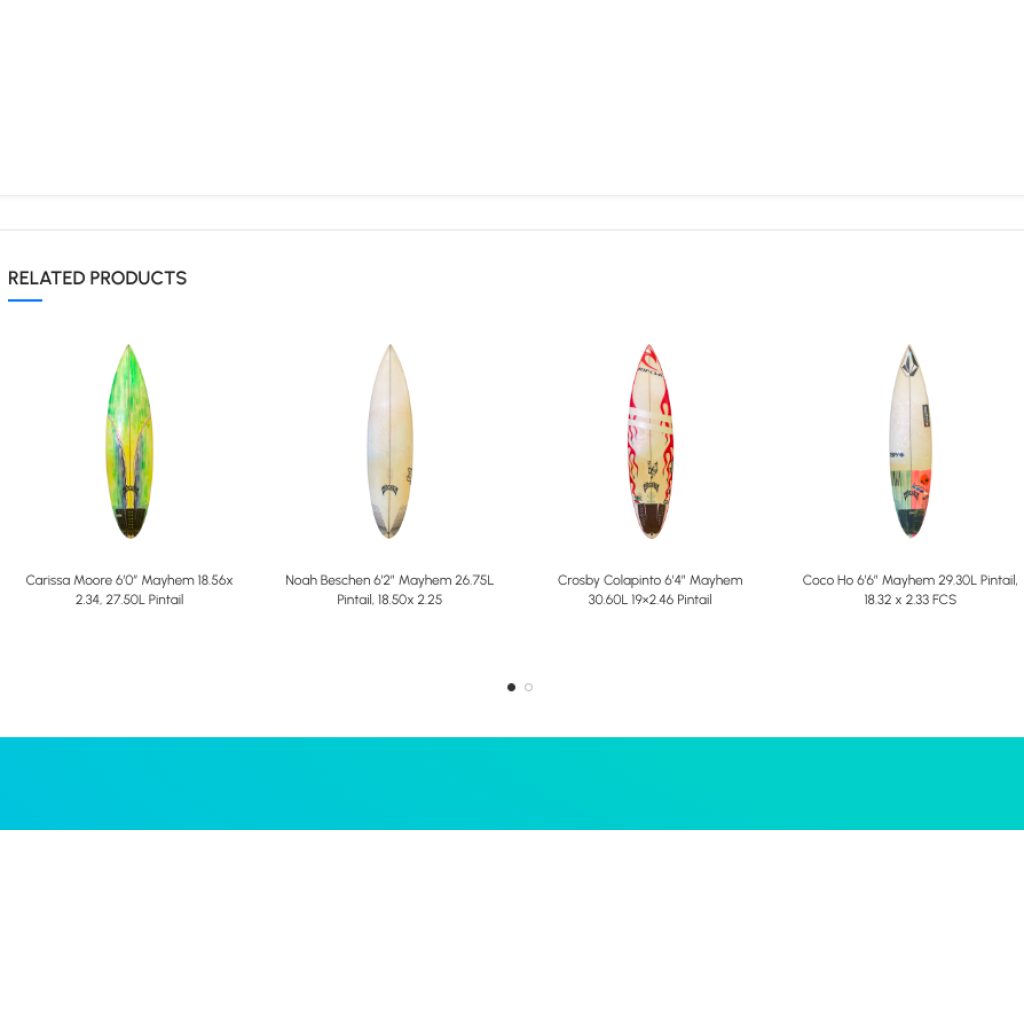
When someone picks a surfboard, the checkout page should recommend relevant accessories or upgrades. It is an excellent way to increase revenues.
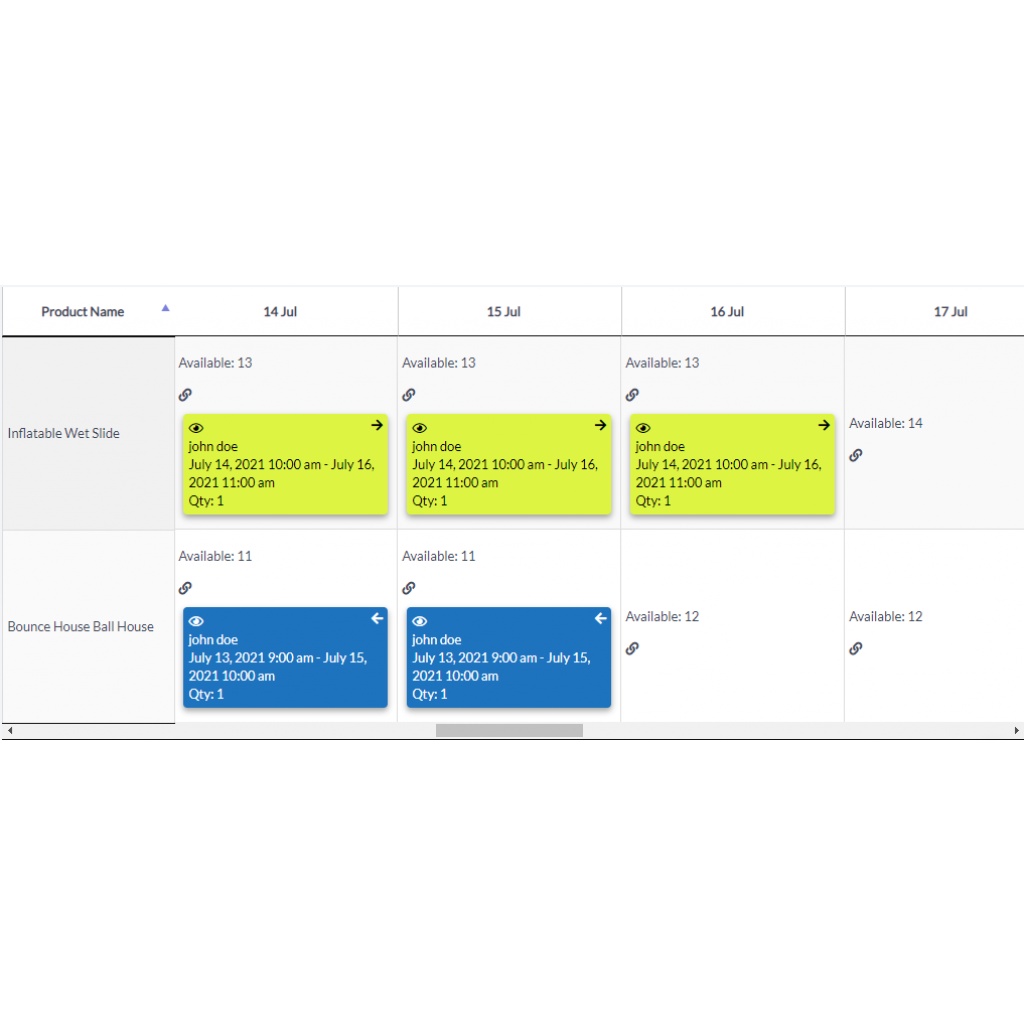
It would be time-consuming to manually track the availability, pickup, and return days/hours of each item in your rental inventory.
You may even need to hire staff only for that purpose. But when you add an automated schedules feature to your surfing rental website, you will save yourself from:
Modern shoppers are too sensitive to confusing websites. If they can't find what they need there, they will instantly leave.
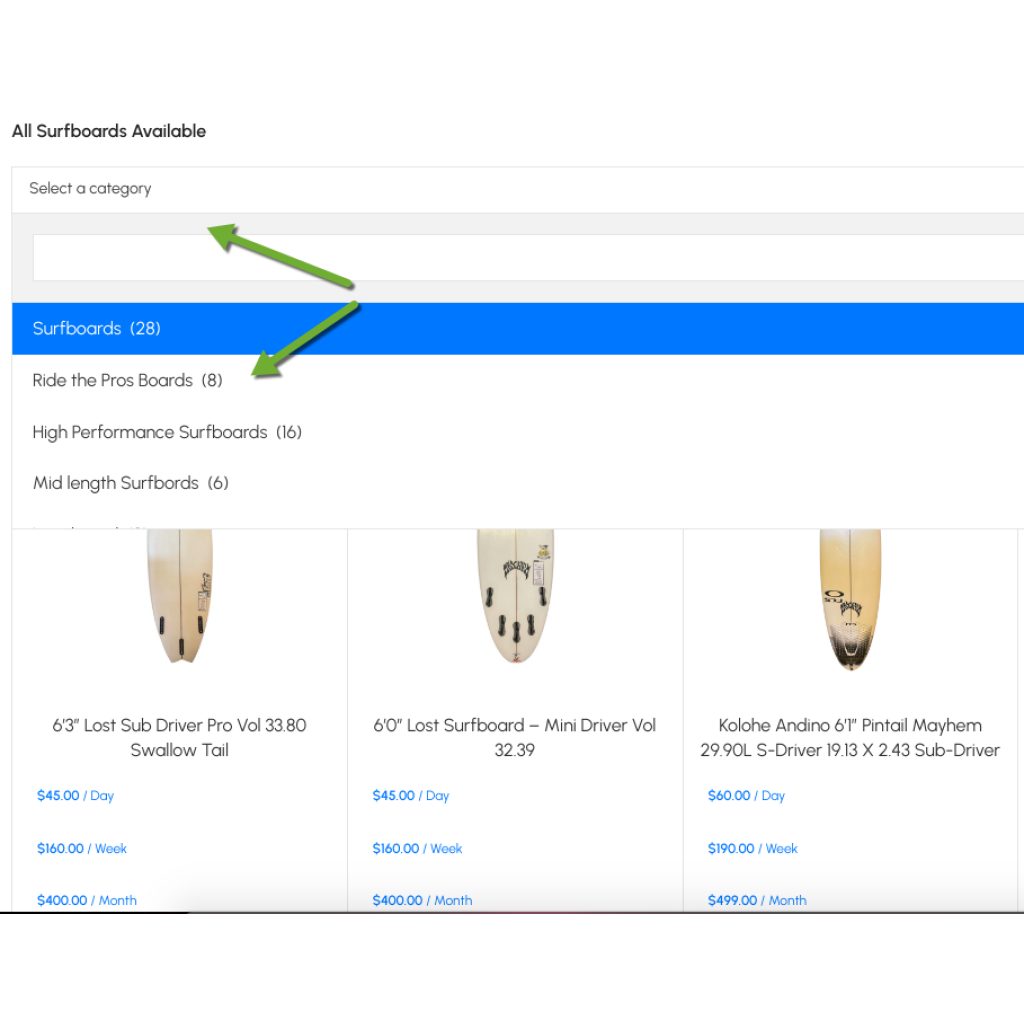
It is your duty to organize your rental website so that customers can find what they need and check their availability instantly (please read #4).
So, add products to particular categories and place the categories menu on the products page to save the visitors from unnecessary hassle.
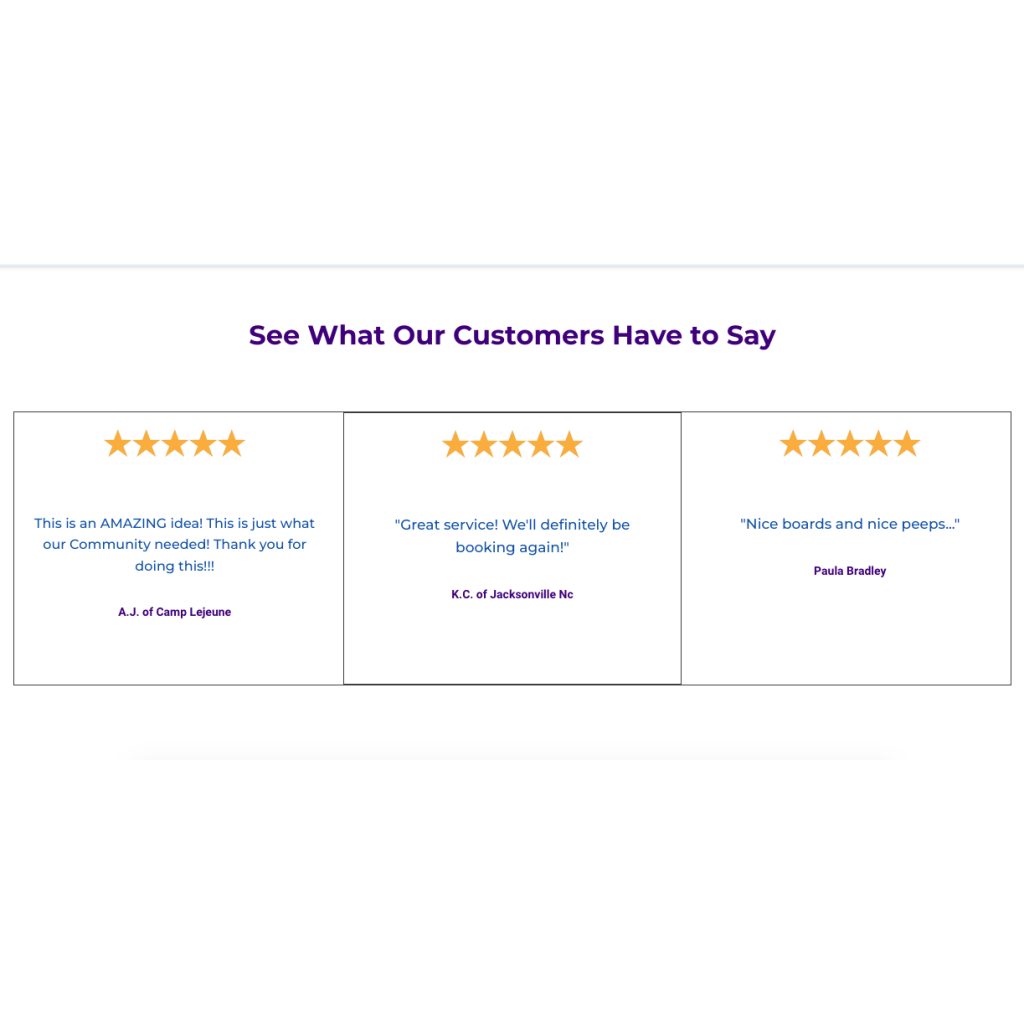
Regardless of the type of business, a new customer may want to read the reviews of previous shoppers and leave their own to share their experience with others.
This means your website must allow customers to leave reviews and must feature internal and external reviews, as shown below.
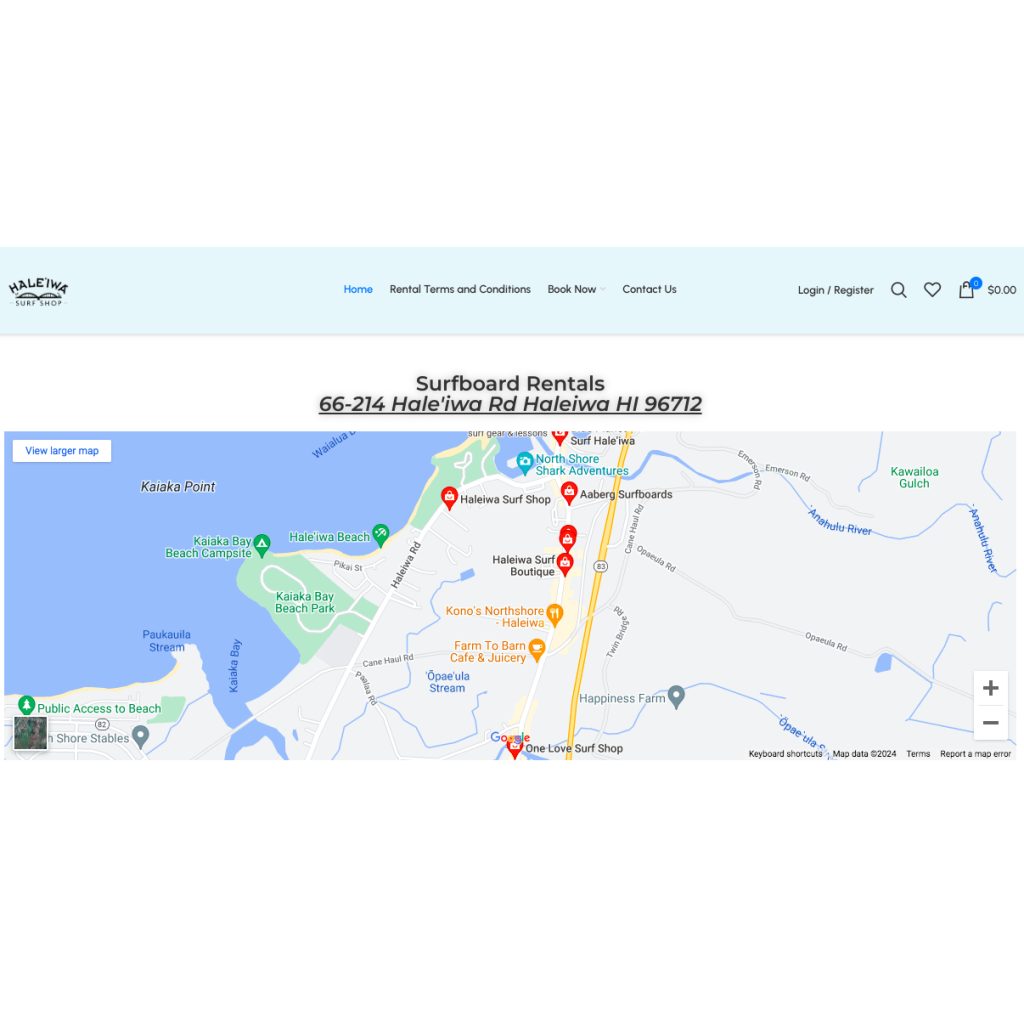
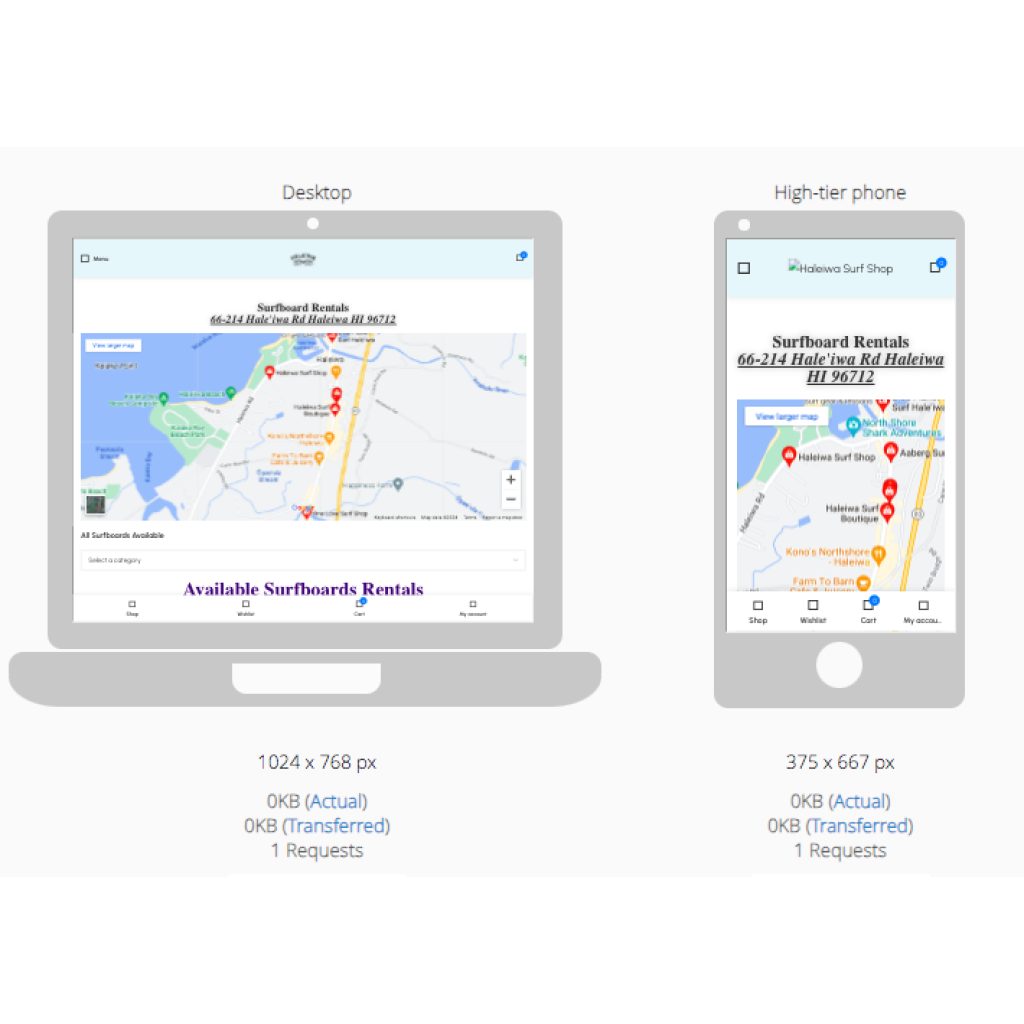
Did you know that whenever customers search for a local business, the list from Google Maps comes up first with a precise map of directions? This not only helps customers find directions to your location easily but also helps your business rank higher in search results.
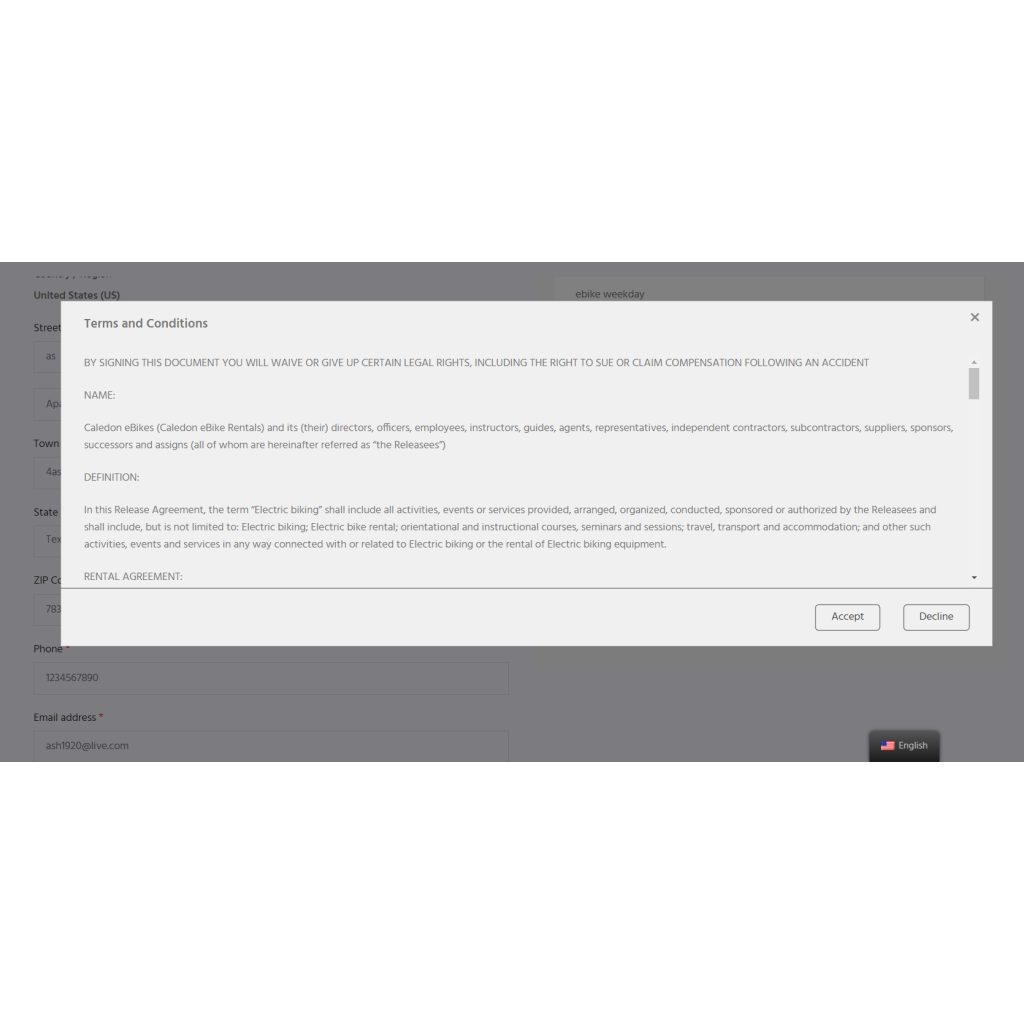
Rental agreements can protect your surfing gear from reckless use and keep the customers responsible for damages and injuries. Thus, you need to provide rental contracts on your website and have customers sign them electronically during the booking.
More than half of online consumers access business websites through a mobile device. If your website looks bad on mobile devices, you are slashing your chances of getting orders in half.
You can check whether your website is responsive on a mobile device by using your mobile phone or this free tool.
Allow customers to share your surfboards with their friends and family. The simplest way is to feature share buttons under each product and make them shareable with images and key information (e.g., description, price, etc.).

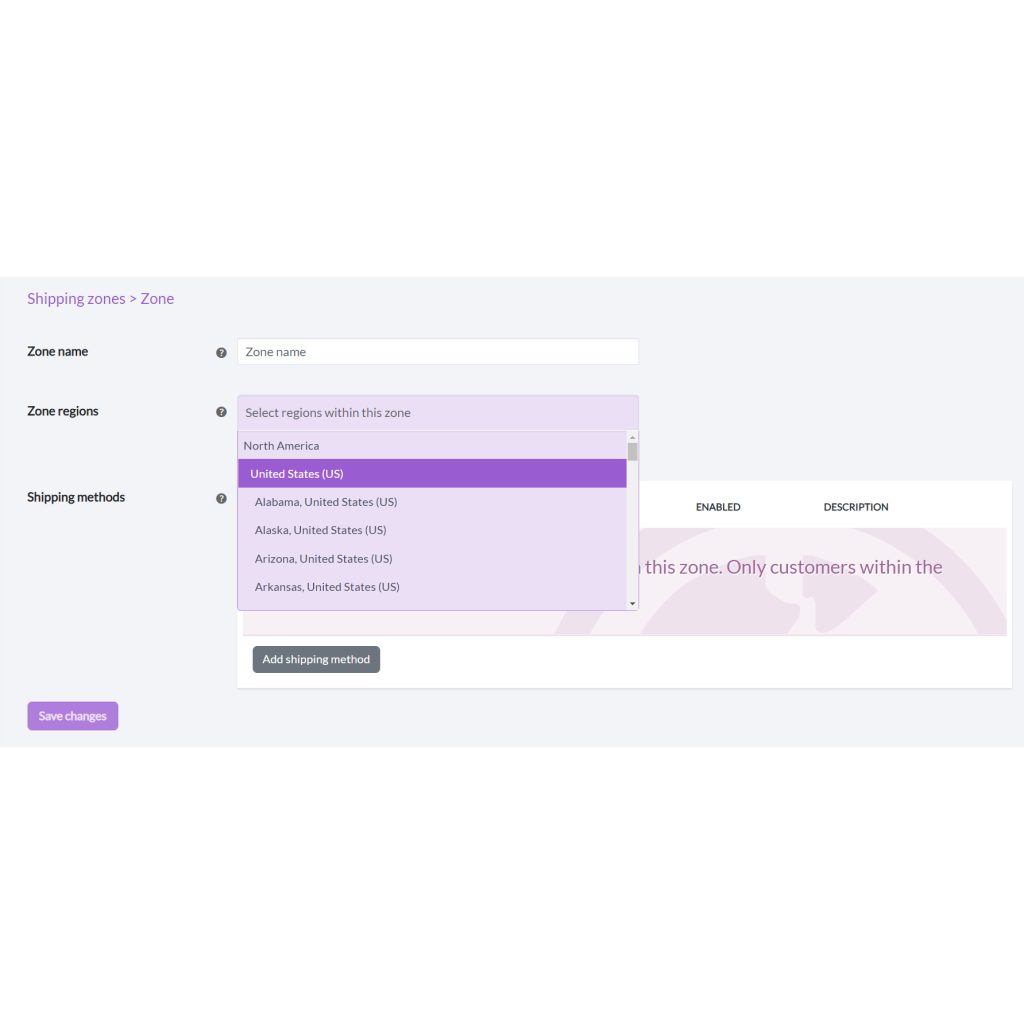
You need to make sure that your surfing rental business offers shipping and deliveries. Not all customers will be willing to visit your warehouse, so offering home or beach deliveries will make the shopping experience convenient for some.
If your surfing gear rental is located near the beach, you probably get walk-in customers regularly. It means you need to have the means to enter their orders manually. Most rental software solutions, such as Reservety, comes with built-in POS system to seamlessly receive online and offline bookings at the same time.
To streamline your rentals, you need more than a simple rental website. The website should also have a backend dashboard to manage inventories, orders, customer accounts, billing, and more. When you manage everything from a single place, you leave less room for errors and gain more control over your business without sacrificing too much time.

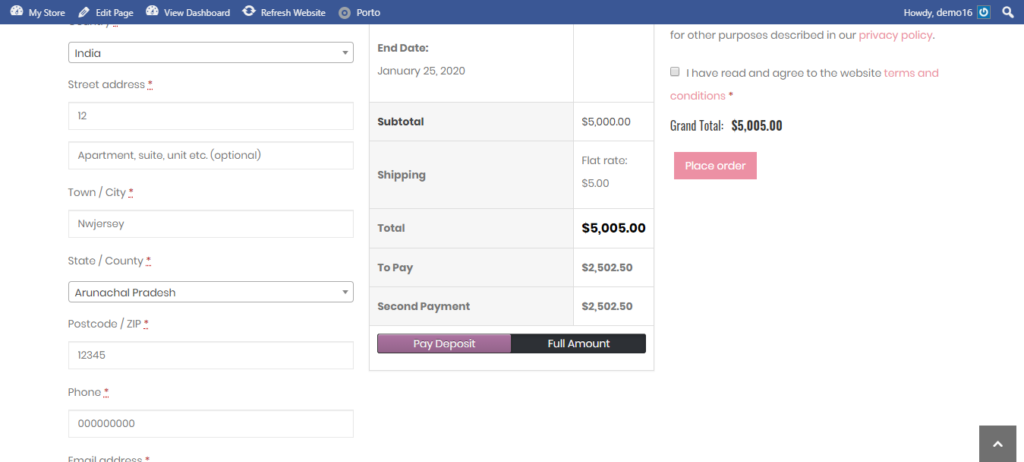
Why customizable? The same generic checkout pages may not fit every business since each has its own set of policies and required information.
If you can easily change, update, or modify checkout pages on your website, you shorten the administrative process.
Let's put this into practice. If you want clients to submit their photo ID, signed waiver form, or additional info for legal purposes, you should be able to obtain them easily through checkout.
A great rental website should work harmoniously with popular platforms like Google, Facebook, QuickBooks, and Maps.
When integrated correctly, the conveniences and ranking of the website will grow significantly, paving the way for new opportunities and growth.
For example, a website should be able to be linked with social media pages, search engines, business categories, and maps for greater visibility. Also, the webpage should be able to sync crucial rental data with external bookkeeping tools such as QuickBooks to track a business's financial heartbeat.
That is only part of it; the website should have the option to integrate external shipping and delivery services with live tracking to manage the logistics of the rental items.
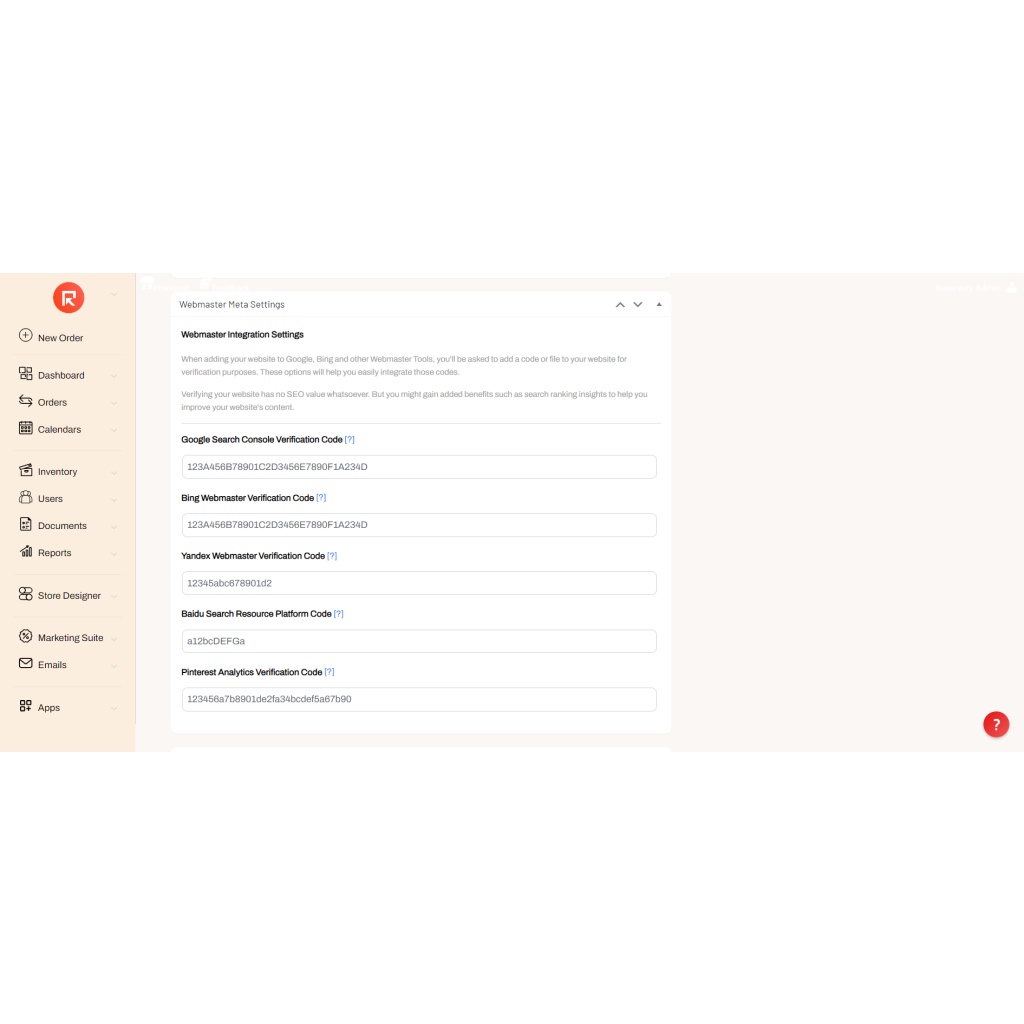
If you decide to get all these features individually from various sources, you will spend a lot of money. Even then, all those features may not support each other, limiting the collaborative processes and leading to confusion.
The best solution is Reservety. In fact, the screenshots we shared above come directly from a website built with Reservety.
To start with Reservety, sign up for a 14-day free trial (no credit card requirements!) and create your demo site with all the premium features.
Reservety handles your website, bookings, inventory, and payments — so you can focus on growing your business.